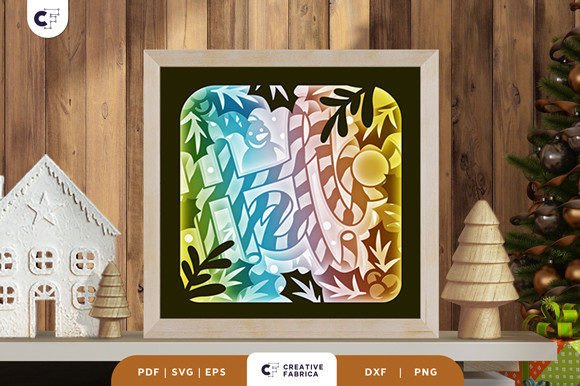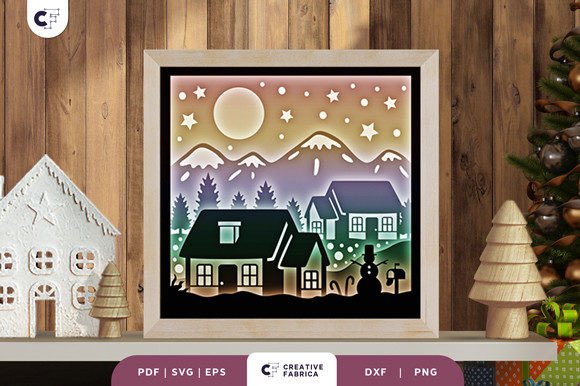
Discover the Magic of Christmas Village 3D Layered Paper Cut
As the holiday season approaches, many crafters and DIY enthusiasts look for unique ways to express their creativity and bring festive cheer into their homes. One such captivating project is the Christmas Village 3D Layered Paper Cut. This intricate design offers a blend of artistry, craftsmanship, and technology that can transform any space into a winter wonderland. Whether you're a seasoned crafter or just starting out, this guide will walk you through everything you need to know about this beautiful paper-cutting template.
What Is a Christmas Village 3D Layered Paper Cut?
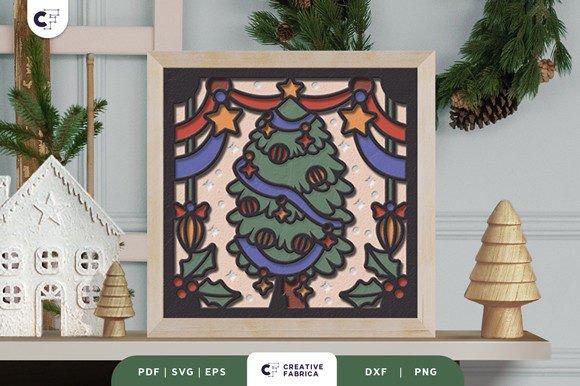
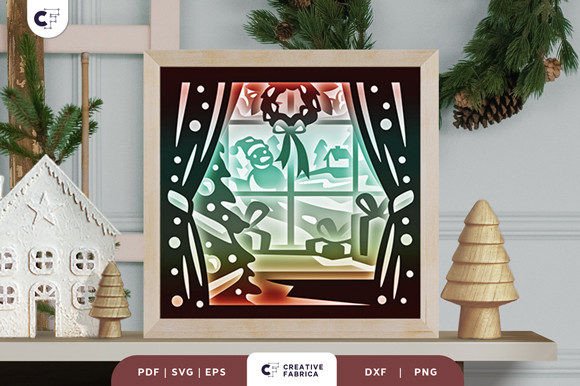
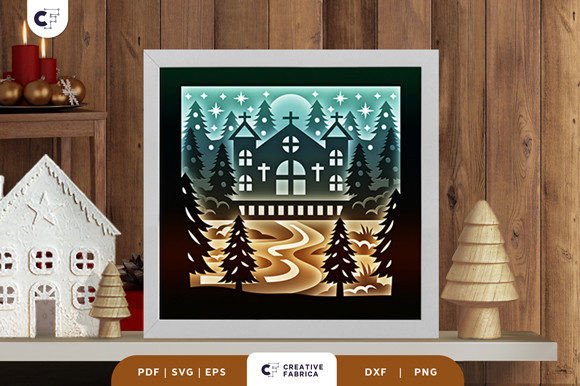
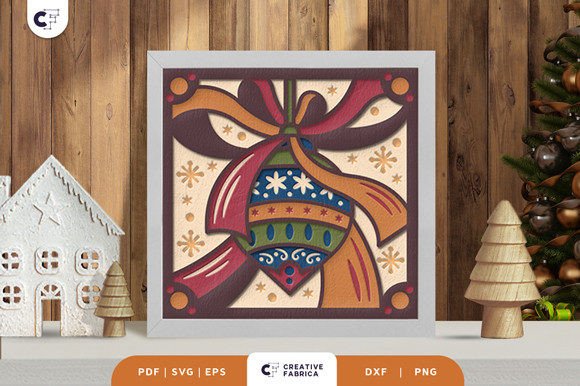
A Christmas Village 3D Layered Paper Cut is a multi-layered paper art design that creates a three-dimensional effect when assembled. It typically features a village scene with houses, trees, and other holiday elements, all cut from different layers of paper. When stacked and glued together, these layers form a stunning visual display that resembles a miniature Christmas village.
This type of paper cutting is not only visually appealing but also highly customizable. You can choose the colors, materials, and even the lighting to match your personal style or the occasion. The design is perfect for both decorative purposes and as a thoughtful gift for friends and family.
Key Features of the Template
- Number of Layers: 7
- Size: 20.32×20.32 cm (8×8 inches)
- Formats Available: SVG, PDF, EPS, PNG, DXF
- Compatibility: Works with Silhouette, Cricut, and other cutting machines
- Materials Needed: Cardstock, glue or double-sided tape, optionally LED strips for a light box effect
How to Use the Template
The Christmas Village 3D Layered Paper Cut template is designed for ease of use, making it accessible to both beginners and experienced crafters. Here’s how you can get started:
- Download the File: Choose the format that best suits your needs—SVG for digital cutting, PDF for printing, or EPS for vector-based designs.
- Prepare Your Materials: Select high-quality cardstock, such as the Encore Cardstock 80 lb cover 216 gsm, which is recommended for its durability and smooth finish.
- Cut the Design: Use a cutting machine like a Silhouette or Cricut, or manually cut the pieces with an art knife and scissors if you don’t have a machine.
- Assemble the Layers: Carefully glue or tape each layer in place, ensuring alignment for the best 3D effect.
- Add Lighting (Optional): For a more dramatic effect, consider adding LED strips between the layers to create a light box.
Why Choose This Template?
The Christmas Village 3D Layered Paper Cut offers several advantages that make it a standout choice for holiday crafts:
- High-Quality Design: The detailed layers and precise cuts ensure a professional-looking result.
- Versatility: It can be displayed as a framed wall decoration or transformed into a light box for a magical touch.
- Customization: You can personalize the colors and layout to suit your preferences or the recipient's taste.
- Easy to Resize: The SVG file allows for resizing while maintaining the correct aspect ratio.
Common Misconceptions About Paper Cutting
Despite its beauty, paper cutting is often misunderstood. Some people think it requires advanced skills or expensive tools, but this is not the case. With the right template and basic supplies, anyone can create stunning paper art. Additionally, the Christmas Village 3D Layered Paper Cut is designed to be user-friendly, even for those new to crafting.
Applications in Modern Life
In today’s fast-paced world, creative hobbies like paper cutting offer a refreshing way to unwind and express oneself. The Christmas Village 3D Layered Paper Cut is not just a holiday project—it can be a meaningful addition to your home decor, a thoughtful gift, or even a fun activity for families and friends to enjoy together.
Moreover, this type of craft has practical applications beyond aesthetics. It can be used in educational settings to teach geometry, design, and spatial awareness. In the business world, custom paper art can serve as a unique marketing tool or a memorable promotional item.
Getting Started: A Step-by-Step Guide
If you’re ready to dive into this project, here’s a simple step-by-step guide to help you begin:
- Choose Your Template: Select the Christmas Village 3D Layered Paper Cut template that fits your needs.
- Print or Cut the Design: Depending on your tools, either print the design onto cardstock or use a cutting machine to create the pieces.
- Assemble the Layers: Stack and glue the layers carefully to achieve the desired 3D effect.
- Display Your Creation: Place your finished piece in a frame, on a shelf, or turn it into a light box for a special touch.
Conclusion
The Christmas Village 3D Layered Paper Cut is more than just a holiday craft—it’s a celebration of creativity, precision, and the joy of handmade art. Whether you’re looking to decorate your home, create a unique gift, or simply enjoy a relaxing hobby, this project offers something for everyone. With its easy-to-use template and versatile design, it’s an excellent choice for crafters of all skill levels.
So why wait? Start exploring the world of 3D paper cutting and bring the magic of Christmas to life with this stunning template.